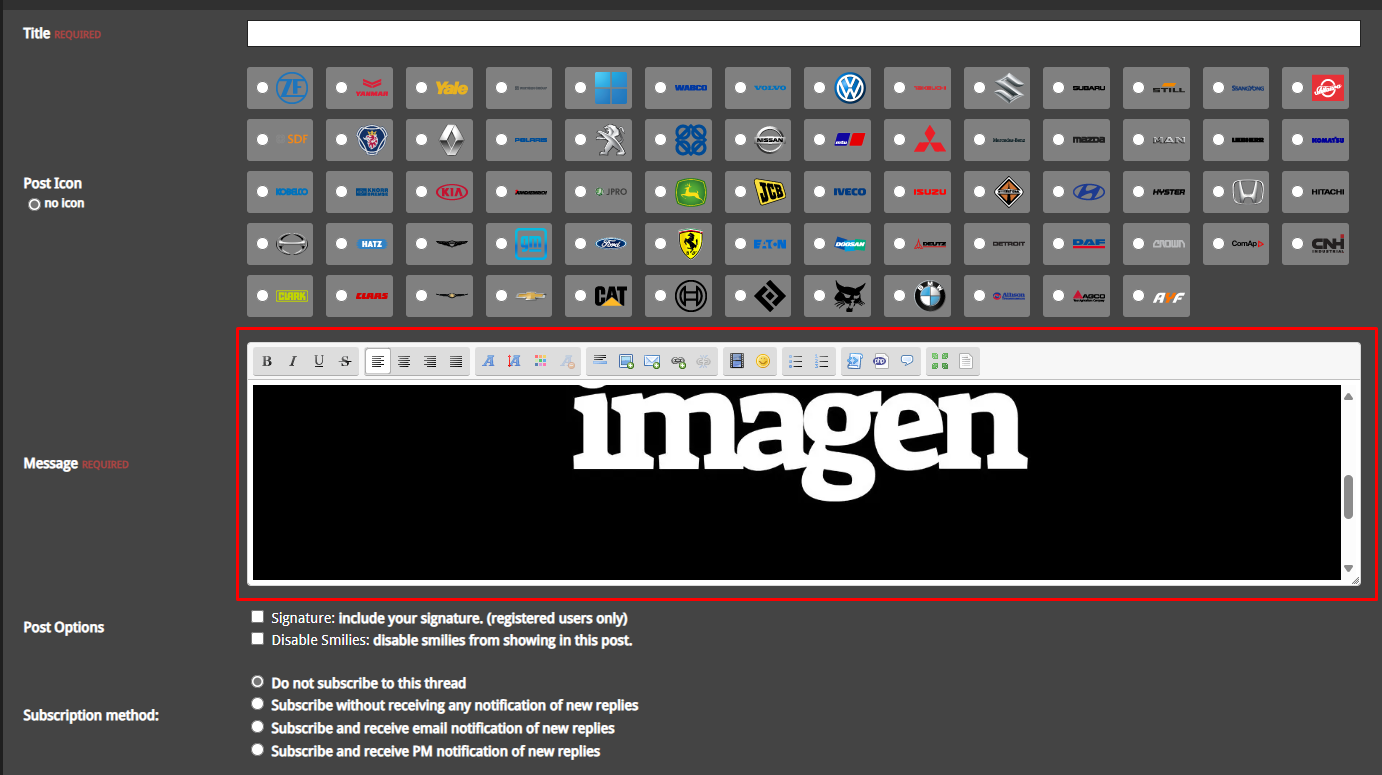


Insert image in post
At some point while using SCEditor, you may want to insert an image into the content you're writing. This is a simple process and can be done directly from the editor's toolbar.
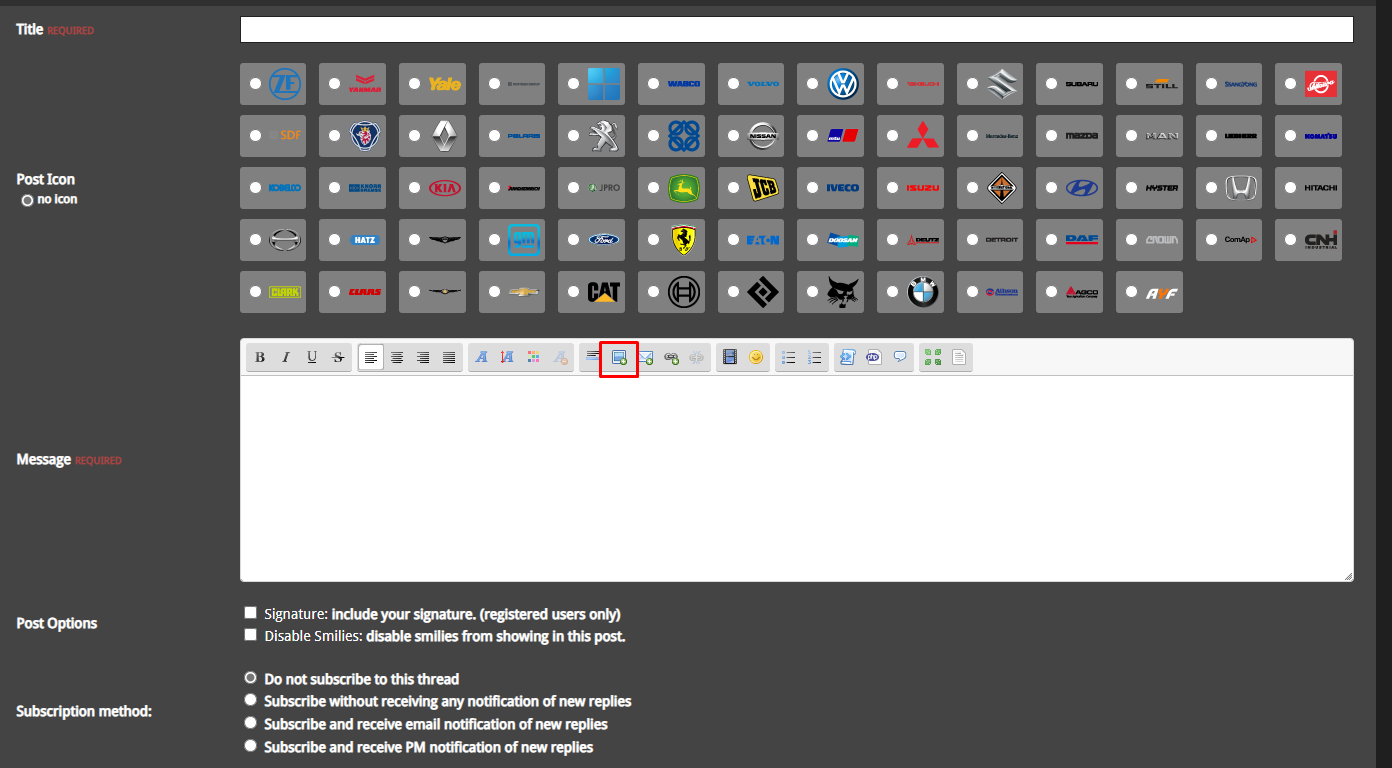
1) To begin, click the image button (usually shown as a photo or mountain icon) located in the toolbar at the top of the editor.
2) A popup window will appear asking you to enter the URL of the image you want to insert. This should be a direct link to the image (e.g., from Imgur or your own server).
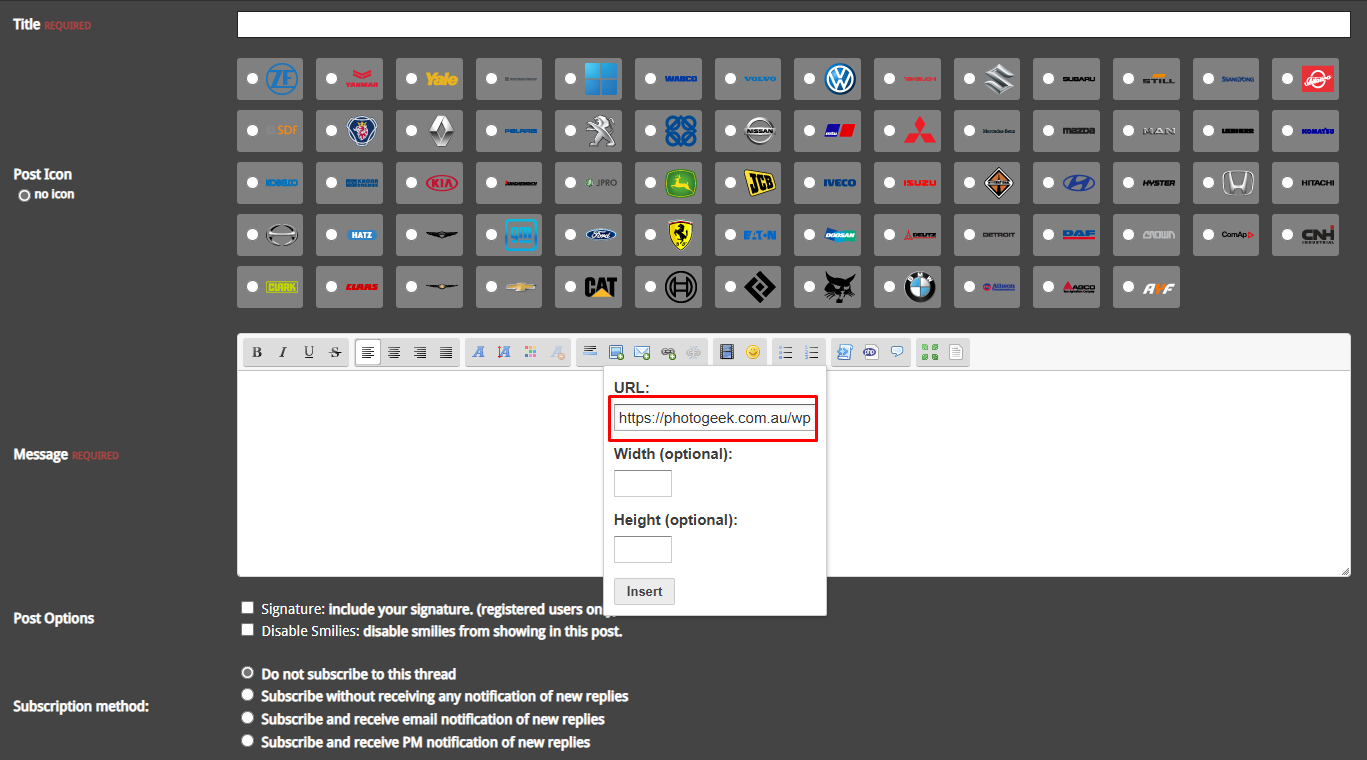
3) Type or paste the image URL into the input field, then click “Insert” or “OK.”
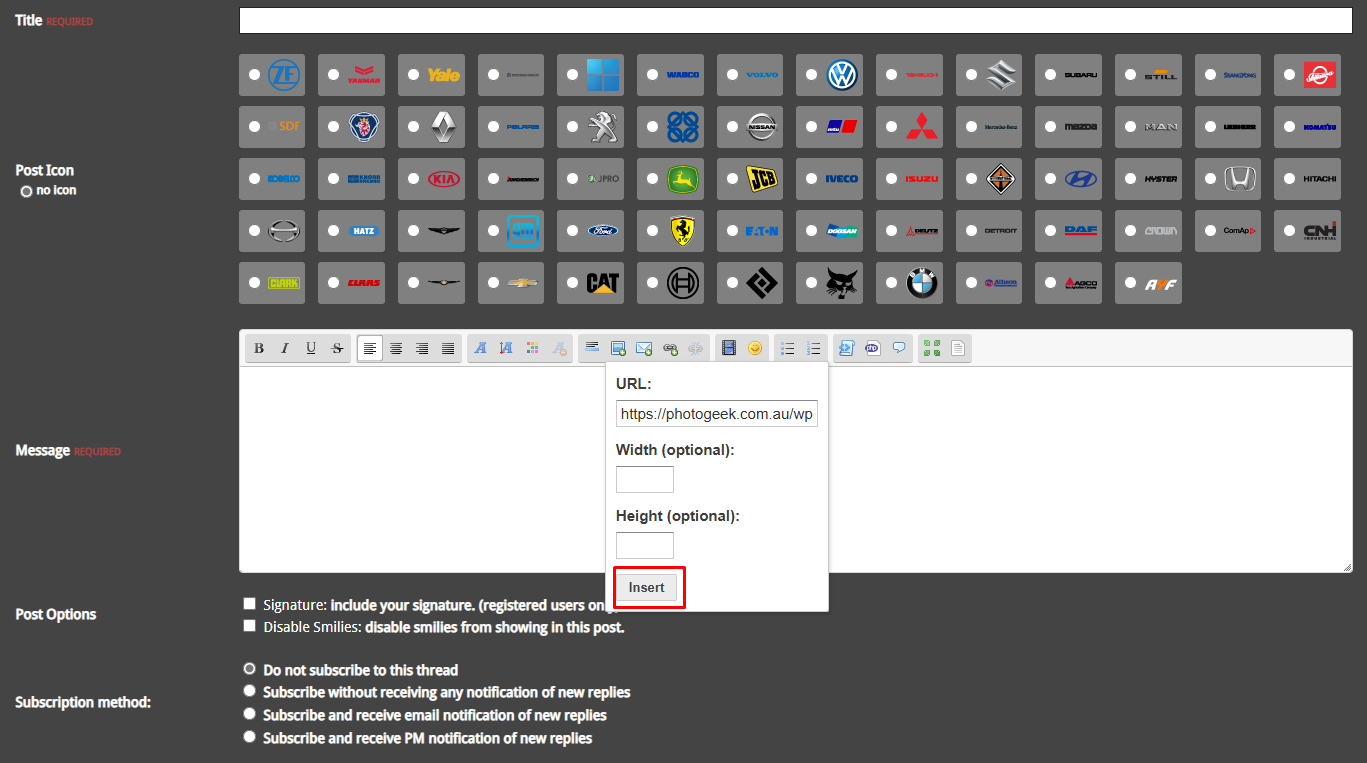
Note: SCEditor does not support uploading images directly from your computer by default. You must upload the image to an external service and use the direct URL.