

Updating Profile
At some point during your stay, you may decide that you need to update some information, such as your instant messaging details, your password, or your email address. You can change any of this information from your user control panel.
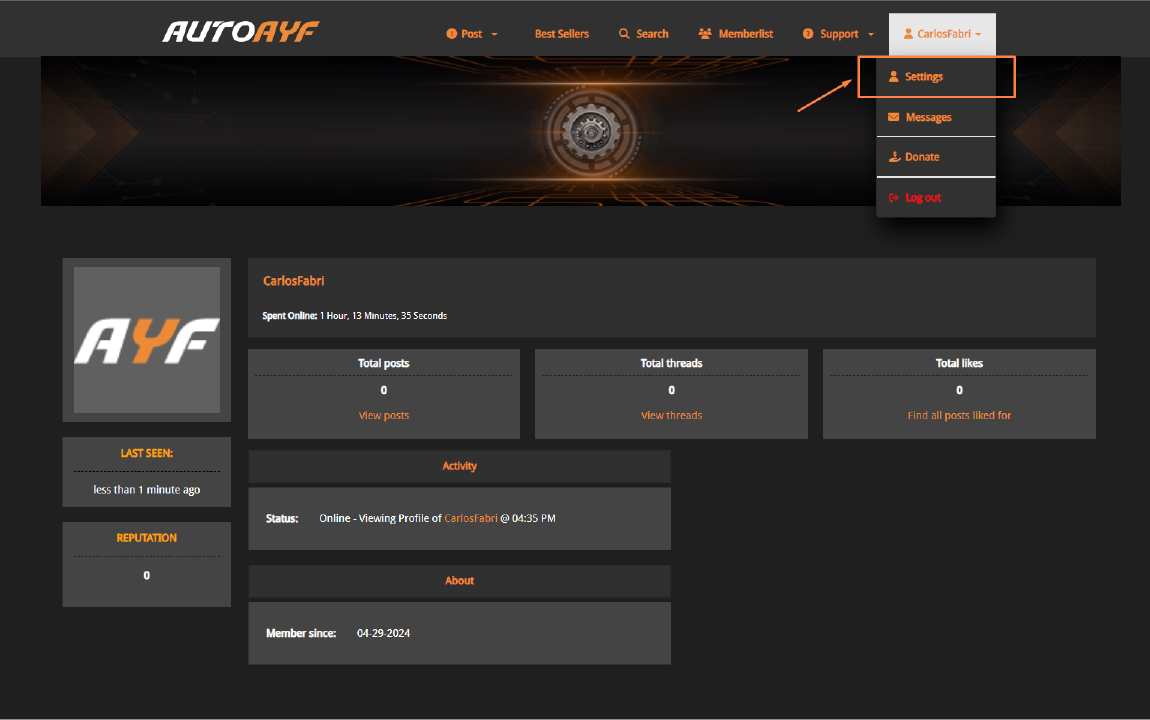
1) To access this control panel, simply click on the link located in the top left corner of almost any page titled 'Settings.'"
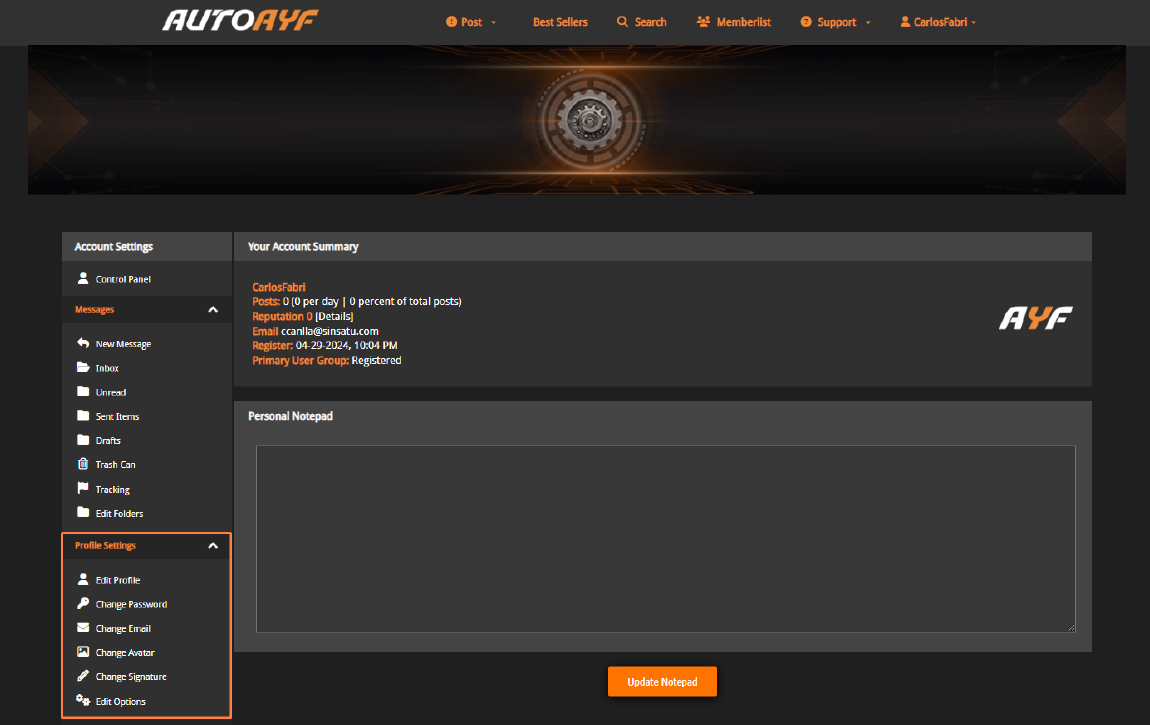
2) From there, choose the corresponding link in the 'Edite Profile' section and modify or update the information you wish.
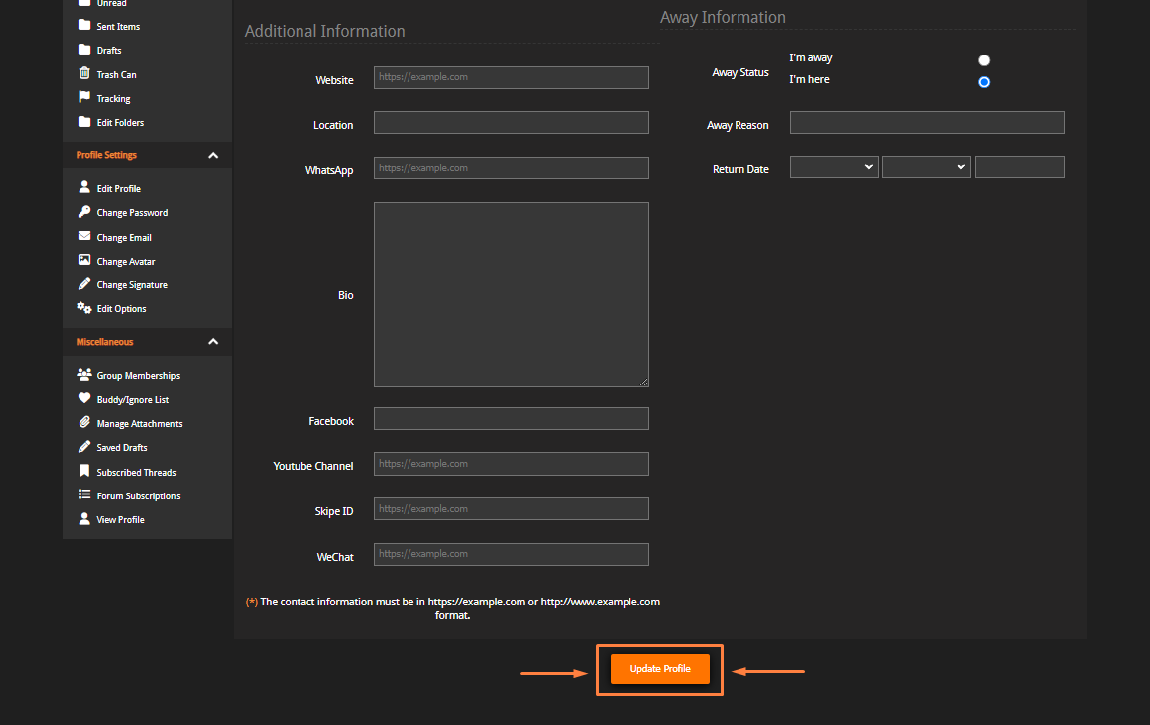
3) Next, click the 'Update Profile' button located at the bottom of the page for the changes to take effect.